
1.0.1⇒1.0.2
We’ve updated the video library app “SceneShelf” twice. Here’s a summary of what changed.
1.0.2 (released November 8, 2026)
- Fixed an issue where the In-App Purchase button briefly appeared at launch even after purchasing.
- The unlocked video limit from your purchase now stays in place even when you restart the app offline.
If you’ve already purchased, you don’t need to buy again. Please update from the App Store.
1.0.1
- Added an In-App Purchase button at the lower left of the window. It shows the price for your App Store region.
- Fixed an issue where editing tags or ratings on page 2 or later of the thumbnail list jumped back to page 1. You can now keep your place while organizing videos.
- When an edit removes a video from the filtered results, the selection now moves to a nearby video so you can keep organizing.
- “About SceneShelf” in the menu bar now opens the app’s information window.
- The information window now shows the app icon and version, with links to support email, the official website, the YouTube how-to videos and Instagram for news.
What is SceneShelf?
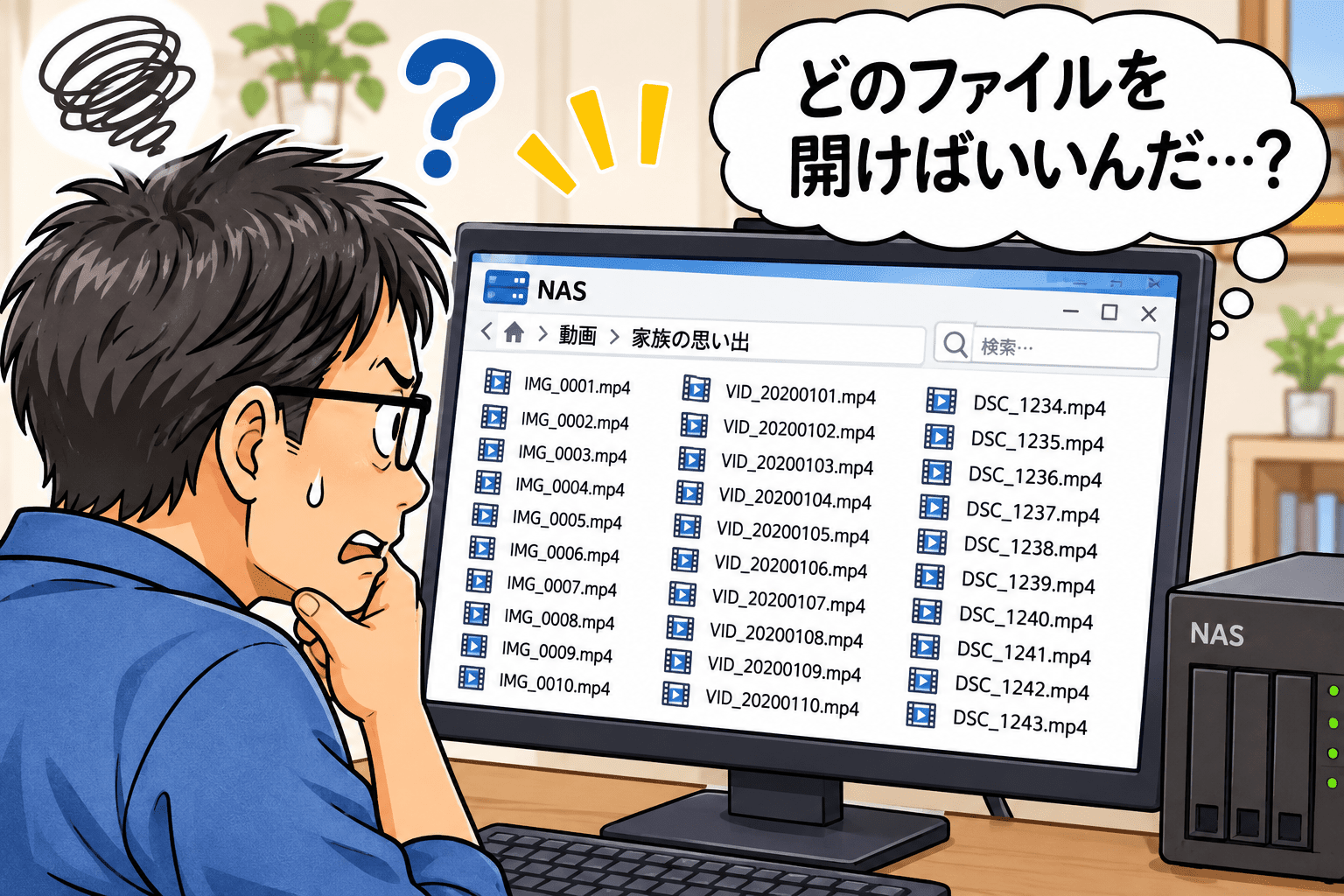
SceneShelf is a Mac-only video library app that lets you find footage without opening each file. The filmstrip shows what’s inside every video, and you can start playing from any scene that catches your eye. It’s free for up to 10 videos, and unlimited use is a one-time purchase, with no subscription.

SceneShelf App – App Store
Download SceneShelf by 合同会社エイド on the App Store. See screenshots, ratings and reviews, user tips, and more apps like Sce…
apps.apple.com
This post is also available in Japanese: アップデートのお知らせ
The story behind the release is in this post:
I Released SceneShelf: A Video Library App for Mac